Prêt à brancher.
Préinstallé, préconfiguré et garanti. Vous pouvez aussi vous passer entièrement de notre matériel : le logiciel tourne sur une machine que vous possédez déjà.
Lequel choisir ?
Tout se joue sur le coaxial.
La question à trancher est simple : vous faut-il un signal RF sur le coaxial ?
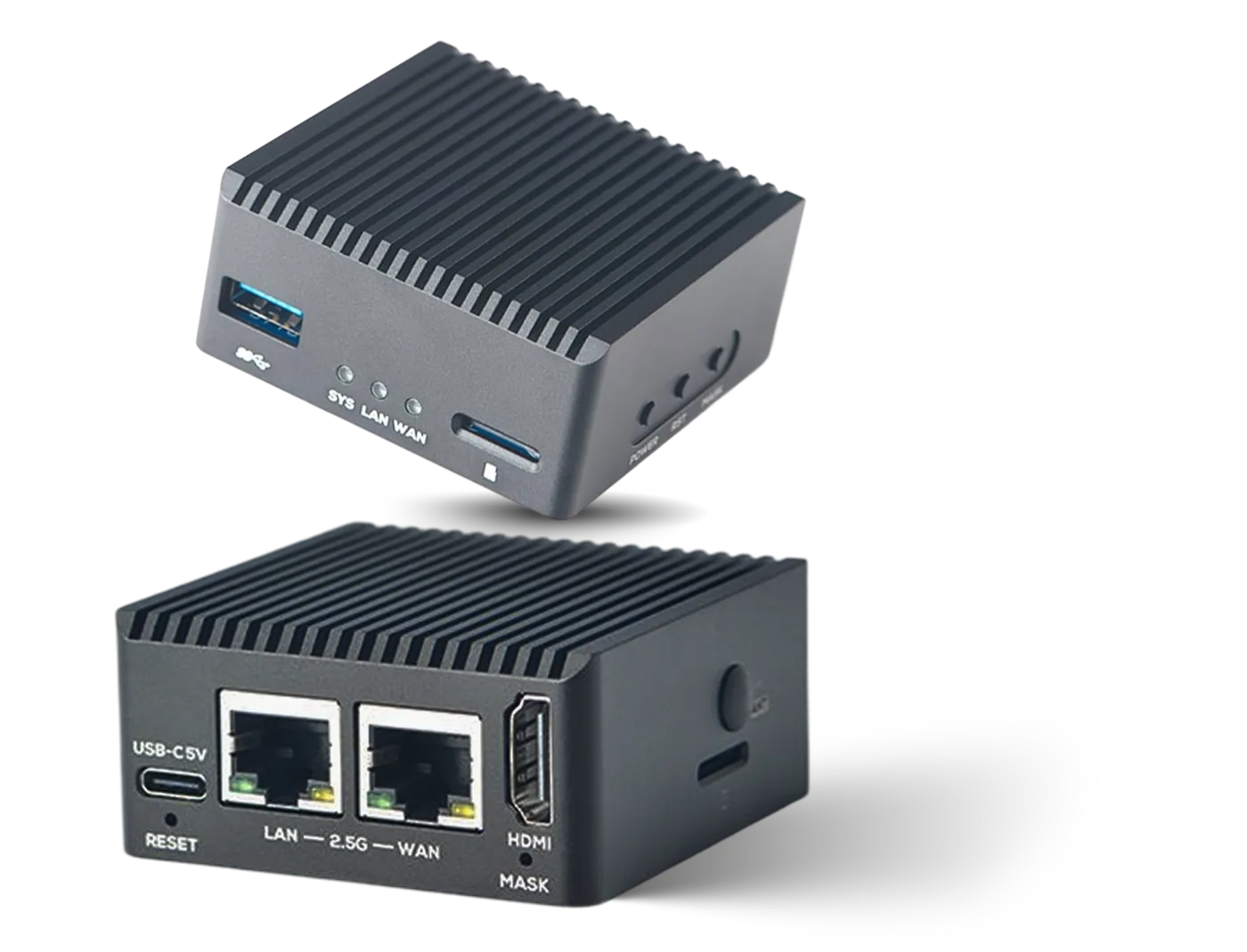
IPTV / HDMI Box
Se raccorde à des sources HLS, SRT et RTMP et les rediffuse en IPTV multicast sur le réseau local.
- ChaînesJusqu'à 15
- SortieUDP multicast
- RéseauDouble LAN 2.5G
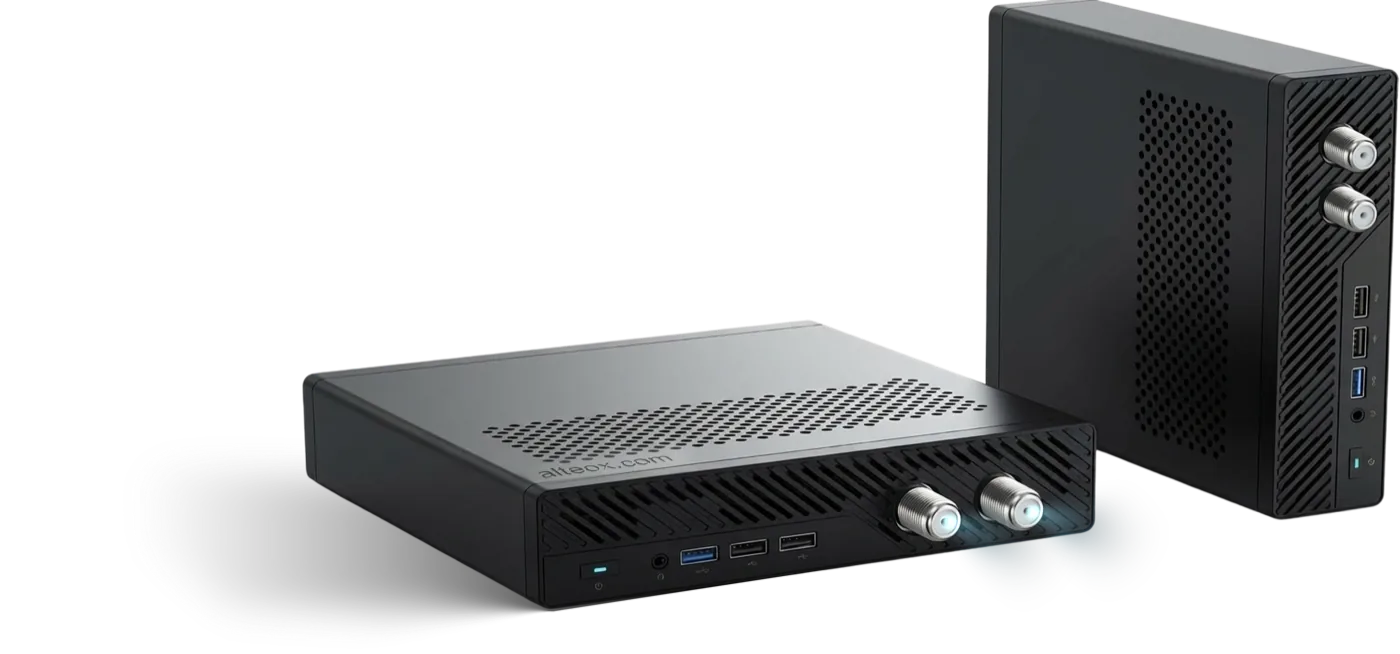
Cable TV / IPTV Pro Box
Se raccorde à des chaînes SRT et HLS et les envoie, via un modulateur DVB-C, sur le réseau coaxial existant. Utilisez-la comme source unique, ou faites-y transiter les chaînes déjà en place.
- ChaînesJusqu'à 100
- SortieDVB-C · UDP multicast
- MultiplexJusqu'à 16 fréquences
| IPTV / HDMI Box | Cable TV / IPTV Pro Box | |
|---|---|---|
| Chaînes | Jusqu'à 15 | Jusqu'à 100 |
| Sortie UDP multicast | Oui | Oui |
| Sortie RF DVB-C | Non | Oui |
| Multiplex | Non | Jusqu'à 16 fréquences |
| Réseau | Double LAN 2.5G | Voir les spécifications ci-dessus |
| Site type | IPTV uniquement, 15 chaînes au maximum. | Jusqu'à 100 chaînes, en multicast ou en DVB-C |
| Prix | €150 par boîtier | €1,899 par boîtier |
Prix hors TVA et hors frais de port. Des tarifs dégressifs existent pour les déploiements multi-sites : dites-nous combien de sites sont concernés et nous chiffrons. Demander un devis.
Produit
IPTV / HDMI Box
€150 par boîtier. Jusqu'à 15 chaînes multicast sur le réseau dont vous disposez déjà.
À quoi ça sert
- Se branche directement sur le LAN existant : ni parabole, ni tête de réseau, ni recâblage
- Installations réduites, ou distribution ciblée de chaînes sur une partie du site
- Alimentation d'un encodeur ou d'un modulateur existant avec une seule chaîne
- Ajout de chaînes IP sur un site qui a déjà autre chose dans la baie
Entrées et sorties
- Entrée — HLS, SRT, RTMP, MPEG-TS (UDP multicast, HTTP)
- Sortie — MPEG-TS en UDP multicast
Licence
Une licence logicielle est nécessaire. Elle est offerte dès lors que vous diffusez des chaînes tvheadend.io : prenez un bouquet de chaînes et la licence ne vous coûte rien. Voir les tarifs.
Produit
Cable TV / IPTV Pro Box
€1,899 par boîtier. Jusqu'à 100 chaînes, en multicast ou en DVB-C sur le coaxial déjà présent dans les murs.
À quoi ça sert
- Bâtiments déjà câblés en coaxial
- Ajout de chaînes premium ou internationales à une offre RF existante
- Petits réseaux câblés qui ont besoin de vrais multiplex avec une identité de service stable
- Sites où un décodeur par chambre coûterait trop cher
Chaînes et fréquences
- Gérez vos chaînes sur 16 fréquences différentes au maximum
- Déplacez les chaînes d'une fréquence à l'autre par glisser-déposer, dans l'interface web
- Diffusion IP et sortie RF réunies sur le même appareil
Licence
Une licence logicielle est nécessaire. Elle est offerte dès lors que vous diffusez des chaînes tvheadend.io. Voir les tarifs et la documentation DVB-C.
Votre propre matériel
Installez-le sur votre propre matériel
Nos appareils sont un confort, pas une obligation.
Le logiciel est le produit. Il tourne dans un conteneur, sur n'importe quelle machine Linux arm64 ou x86-64 dotée de 4 cœurs et 6 Go de mémoire. La sortie DVB-C réclame en plus un port PCIe et un modulateur compatible.
Ce qu'il faut
- 4 cœurs, 6 Go de RAM
- arm64 ou x86-64
- Linux
- Une carte réseau sur le réseau des décodeurs
À lire d'abord
- Prérequis — dimensionnement et réseau
- Installation — conteneur ou binaire
À savoir pour le DVB-C
La sortie DVB-C réclame un port PCIe et un modulateur compatible. Cela écarte la plupart des machines compactes, et c'est précisément la raison d'être de la Pro Box.
Ce qui est inclus
Dans le carton, et après.
- Logiciel préinstallé et préconfiguré pour votre liste de chaînes
- Licence Castmux offerte tant que vous prenez vos chaînes chez nous
- Mises à jour pendant toute la durée de validité de la licence
- Assistance à distance : la plupart des pannes se diagnostiquent sans déplacement
- Garantie matérielle
Voyez-le tourner sur vos propres flux.
Vingt minutes en partage d'écran. Apportez une URL de flux et nous la diffusons sur un groupe multicast pendant que vous regardez. Si cela ne vous convient pas, nous vous le dirons pendant l'appel.
Ou écrivez à hello@castmux.com