Aansluiten en klaar.
Voorgeïnstalleerd, voorgeconfigureerd en met garantie. Of u slaat de hardware over en draait de software op een machine die u al heeft.
Welke van de twee?
De coax geeft de doorslag.
Het verschil zit in één vraag: heeft u RF op de coax nodig?
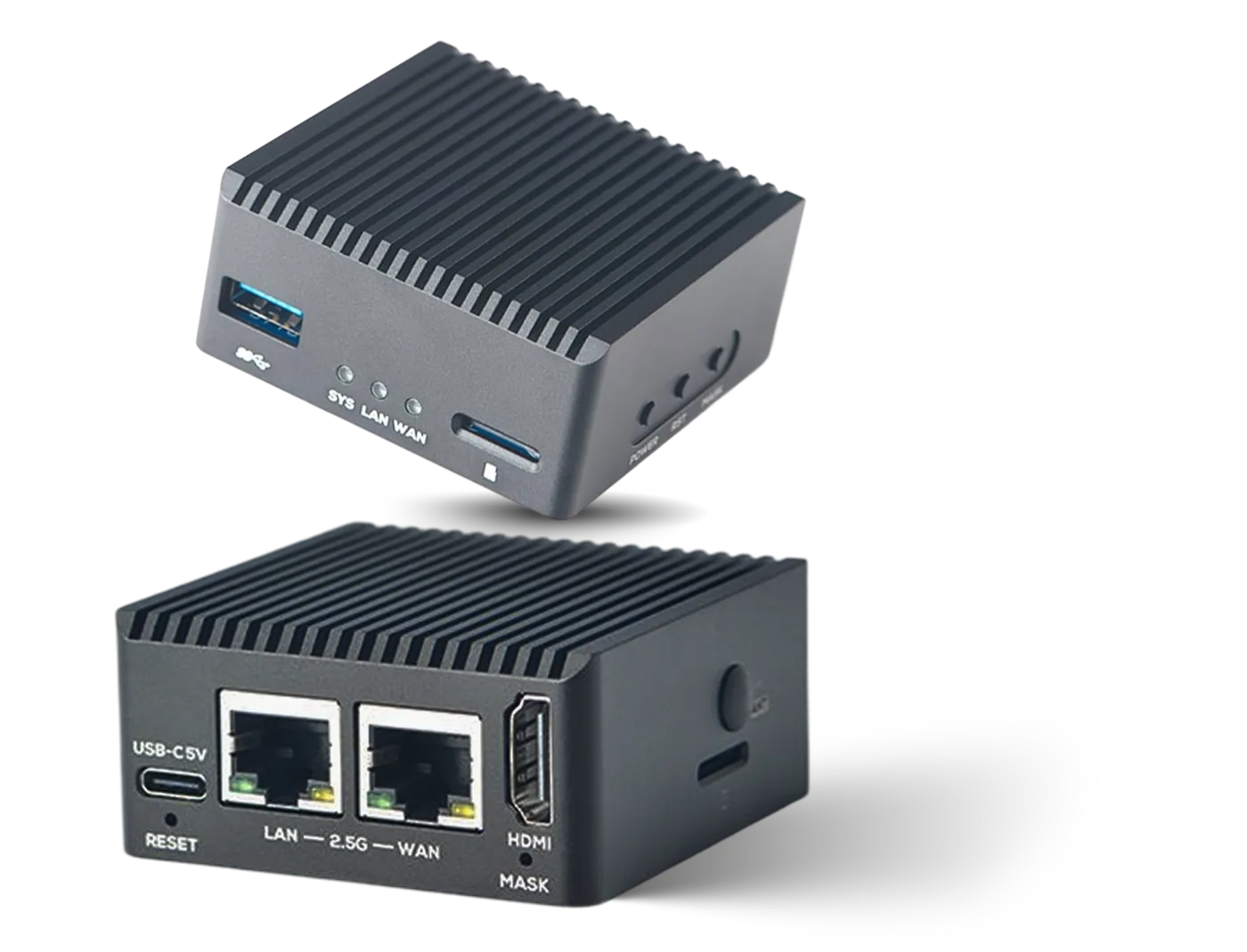
IPTV / HDMI Box
Neemt HLS-, SRT- en RTMP-bronnen af en zet ze om naar IPTV-multicast op het lokale netwerk.
- ZendersTot 15
- UitgangUDP multicast
- NetwerkDubbel 2.5G LAN
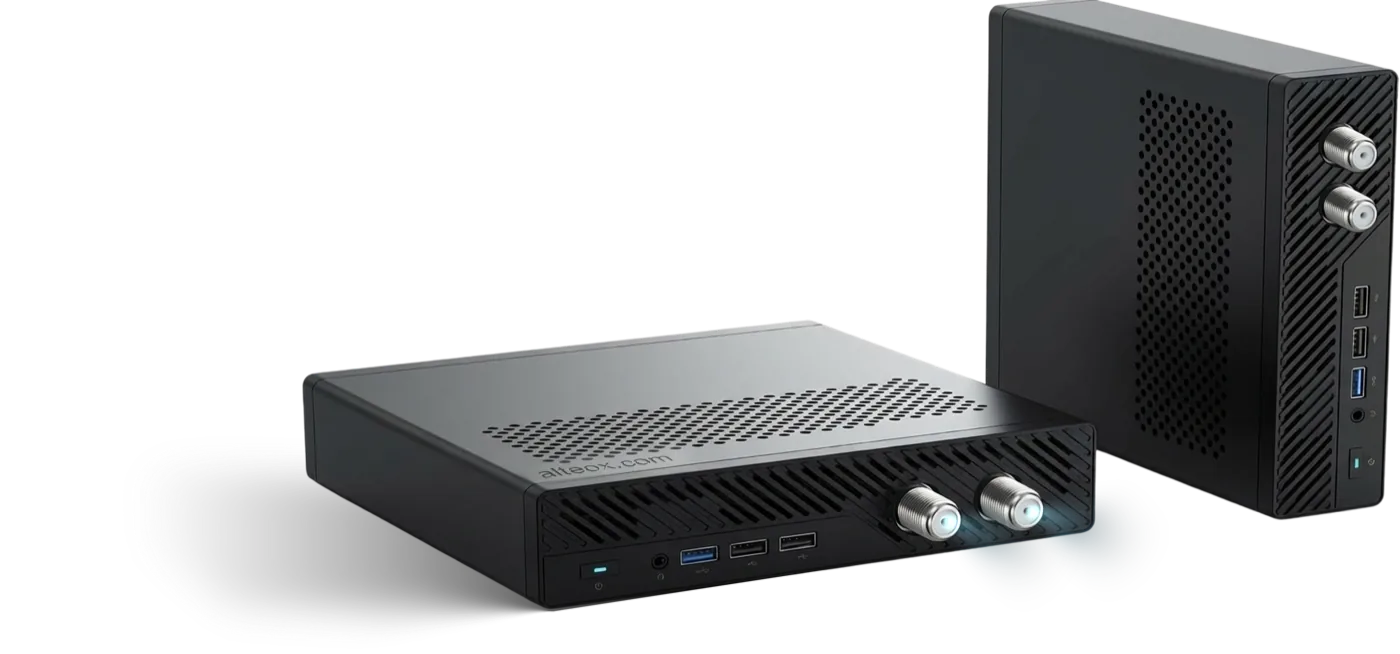
Cable TV / IPTV Pro Box
Neemt SRT- en HLS-zenders af en zet ze via een DVB-C-modulator op het bestaande coaxnetwerk. Zet hem in als enige bron of laat bestaande zenders erdoorheen lopen.
- ZendersTot 100
- UitgangDVB-C · UDP multicast
- MultiplexenTot 16 frequenties
| IPTV / HDMI Box | Cable TV / IPTV Pro Box | |
|---|---|---|
| Zenders | Tot 15 | Tot 100 |
| Uitvoer via multicast UDP | Ja | Ja |
| Uitvoer via DVB-C RF | Nee | Ja |
| Multiplexen | Nee | Tot 16 frequenties |
| Netwerk | Dubbel 2.5G LAN | Zie de specificaties hierboven |
| Typische locatie | Alleen IPTV, maximaal 15 zenders. | Tot 100 zenders via multicast of DVB-C |
| Prijs | €150 per box | €1,899 per box |
Prijzen zijn exclusief btw en verzending. Voor uitrol over meerdere locaties gelden staffelprijzen: laat weten om hoeveel locaties het gaat, dan rekenen wij het voor u uit. Vraag een offerte aan.
Product
IPTV / HDMI Box
€150 per box. Tot 15 multicastzenders op het netwerk dat u al heeft.
Waarvoor hij bedoeld is
- Sluit direct aan op het bestaande LAN: geen schotel, geen kopstation, geen nieuwe bekabeling
- Kleinere installaties, of gerichte zenderdistributie naar één deel van een locatie
- Eén zender aanleveren aan een encoder of een bestaande modulator
- IP-zenders toevoegen op een locatie waar al andere apparatuur in het rack staat
In- en uitgangen
- In — HLS, SRT, RTMP, MPEG-TS (UDP multicast, HTTP)
- Uit — MPEG-TS via UDP-multicast
Licentie
Voor de software is een licentie nodig. Die is gratis inbegrepen zodra u zenders van tvheadend.io afneemt: bij een zenderpakket kost de licentie niets. Zie de prijzen.
Product
Cable TV / IPTV Pro Box
€1,899 per box. Tot 100 zenders, via multicast of als DVB-C op de coax die al in de muren zit.
Waarvoor hij bedoeld is
- Panden waar de coaxbekabeling al in de muren zit
- Premium- of buitenlandse zenders toevoegen aan een bestaand RF-pakket
- Kleine kabelnetten die echte multiplexen met een stabiele service-identiteit nodig hebben
- Locaties waar een settopbox per kamer niet uit kan
Zenders en frequenties
- Zenders beheren over maximaal 16 verschillende frequenties
- In de webinterface sleept u zenders van de ene frequentie naar de andere
- IP-streaming en RF-uitvoer op hetzelfde apparaat
Licentie
Voor de software is een licentie nodig. Die is gratis inbegrepen zodra u zenders van tvheadend.io afneemt. Zie de prijzen en de DVB-C-documentatie.
Zelf bouwen
Draaien op uw eigen hardware
De apparaten zijn een gemak, geen verplichting.
De software is het product. Die draait in een container op elke Linux-machine met 4 cores en 6 GB, arm64 of x86-64. Voor DVB-C-uitvoer komen daar een PCIe-slot en een ondersteunde modulator bij.
Wat u nodig heeft
- 4 cores, 6 GB RAM
- arm64 of x86-64
- Linux
- Een netwerkkaart op het settopboxnetwerk
Eerst lezen
- Systeemeisen — capaciteit en netwerk
- Installatie — container of binary
Let op bij DVB-C
Voor DVB-C-uitvoer heeft u een PCIe-slot en een ondersteunde modulator nodig. Daarmee vallen de meeste kleine machines af, en daarom bestaat de Pro-box.
Wat erbij zit
In de doos, en daarna.
- Software voorgeïnstalleerd en ingericht op uw zenderlijst
- De Castmux-licentie kost niets zolang u zenders bij ons afneemt
- Updates zolang de licentie actief is
- Support op afstand: de meeste storingen stellen we vast zonder langs te komen
- Garantie op de hardware
Zie het werken met uw eigen signalen.
Twintig minuten via schermdeling. Neem één stream-URL mee en wij zetten die live op een multicastgroep terwijl u kijkt. Past het niet, dan zeggen we dat tijdens het gesprek.
Of mail naar hello@castmux.com